 bloxshade
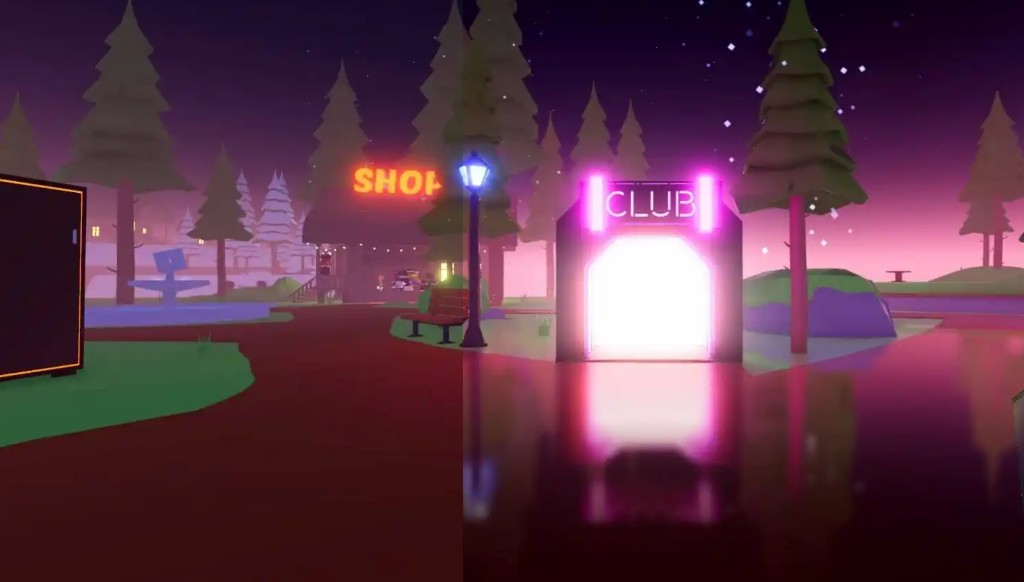
Bloom
Neon spills past the edges of a sign, leaving a soft halo against the night sky.
Explore the reflections, shadows and light that give familiar Roblox worlds a different atmosphere.
The download will be available with the first release.
Featured sceneDrag the slider to compare the lighting in the same scene.
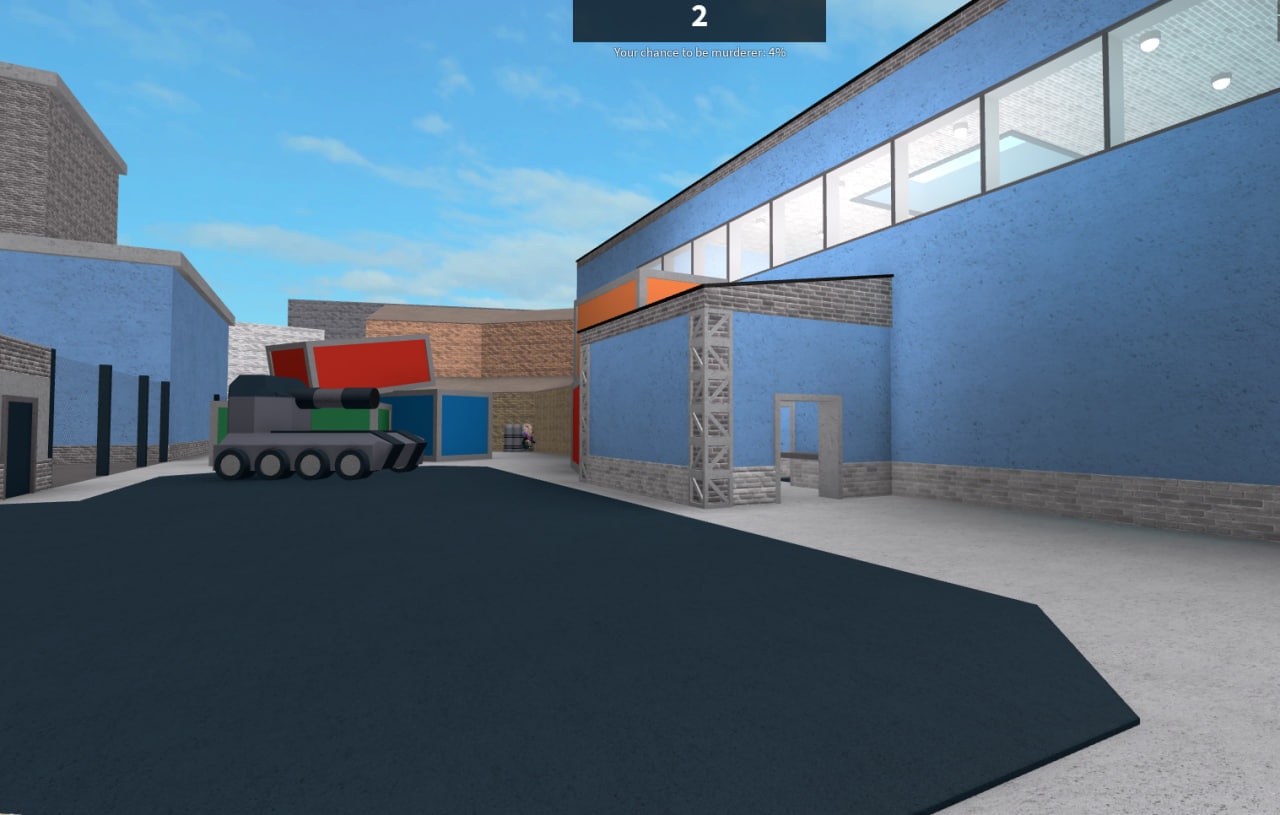
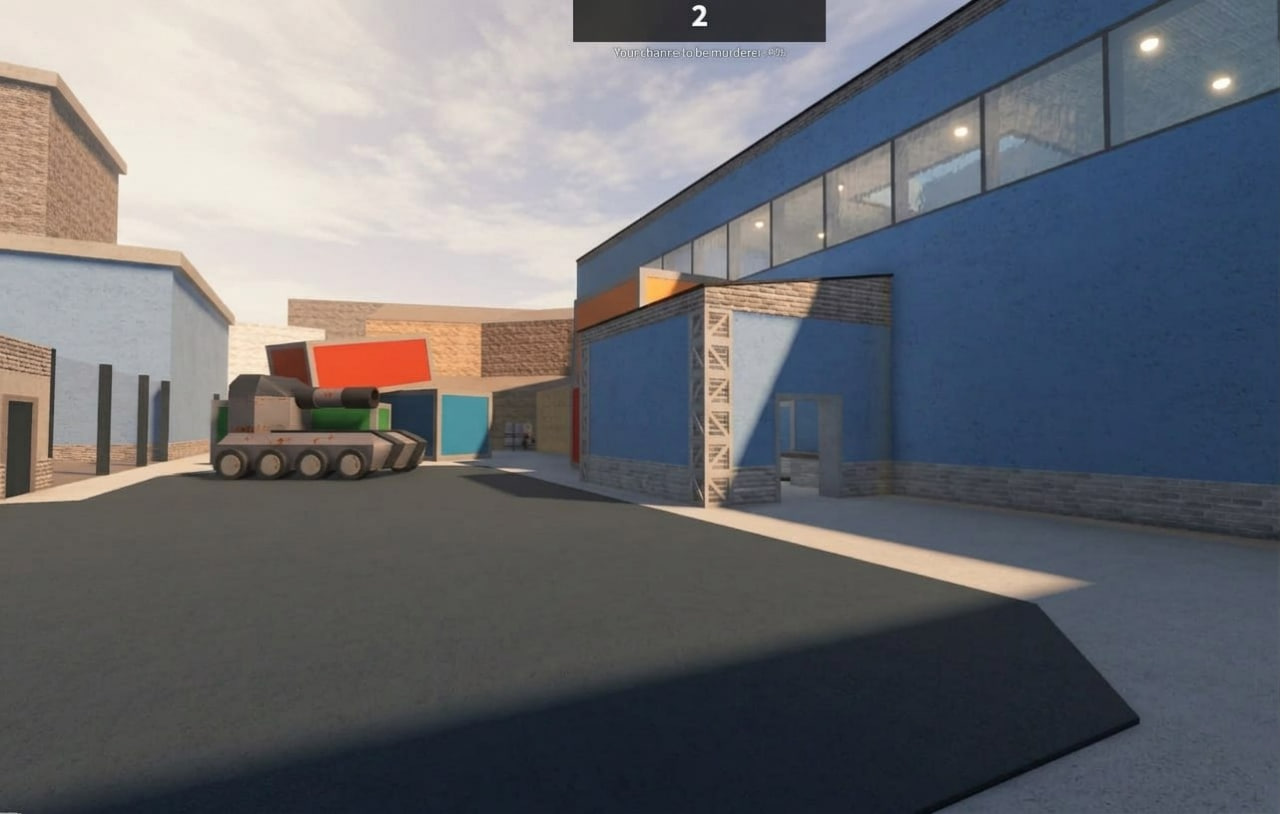 BeforeAfter‹ ›
A look at the lighting effects behind the project.
Neon spills past the edges of a sign, leaving a soft halo against the night sky.
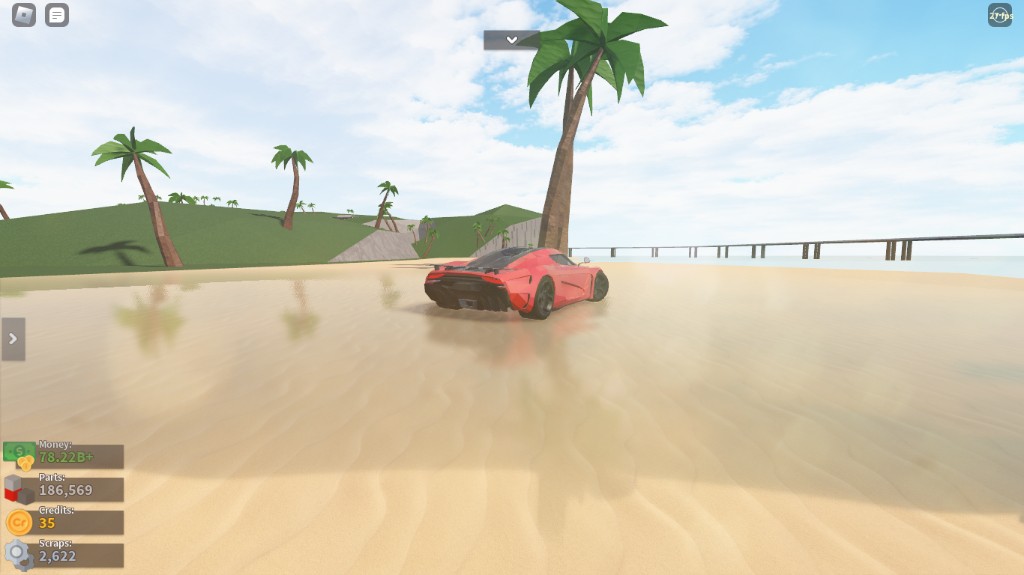
Distant shapes fade into the horizon, giving open landscapes a sense of scale.
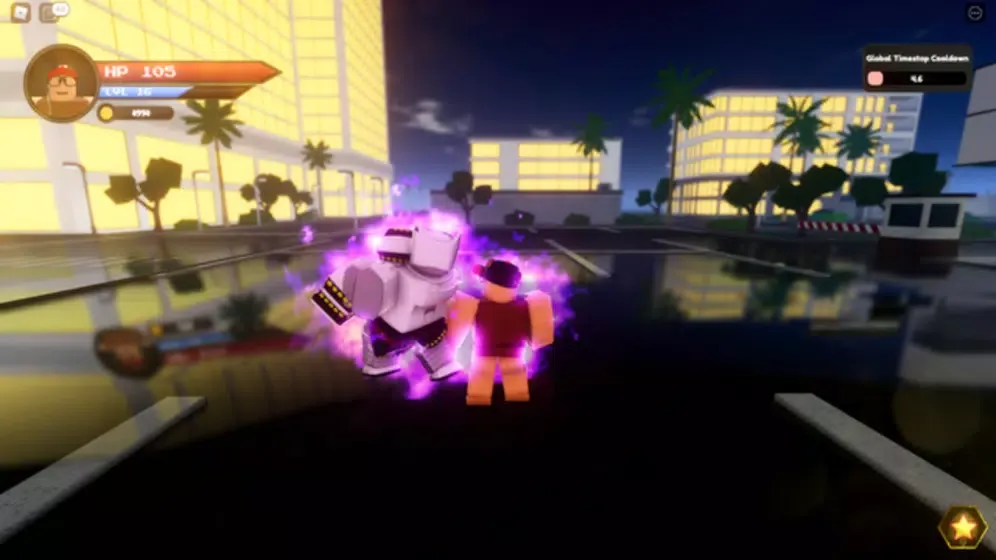
Shadows anchor characters to the ground and give flat surfaces depth.
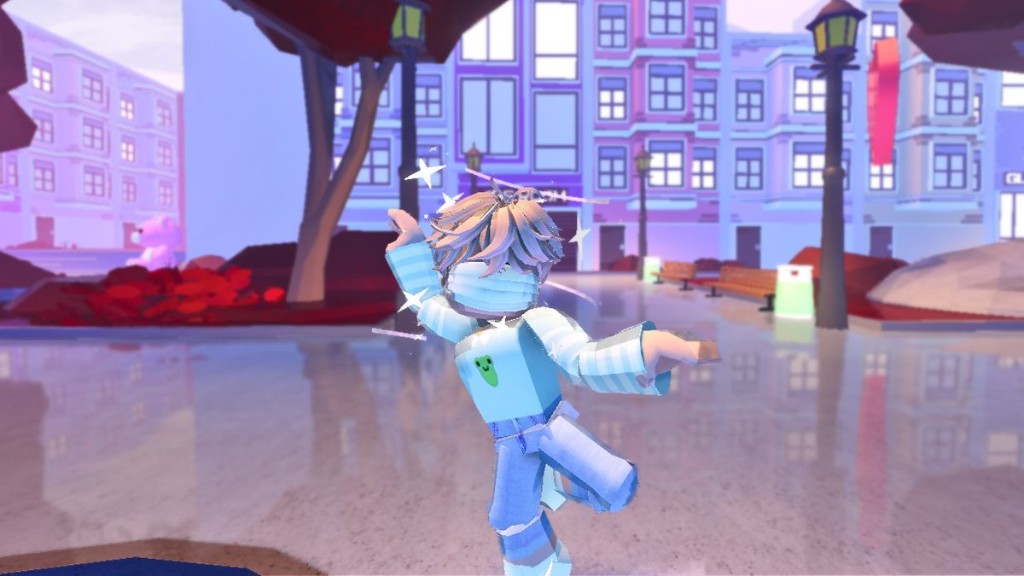
A sharp subject stands out as details in the background soften.
The project explores bloom, atmospheric fog, ambient shadows and depth of field in Roblox. The gallery shows examples of these effects.
The setup guide includes Chrome, Edge and Firefox. Tested browser versions will be listed with the first bloxshade build.
RoShade describes its effects as browser-side processing. bloxshade is still in development, so its compatibility with Roblox anti-cheat has yet to be verified.
Post-processing uses GPU time. Heavier effects can lower frame rates, especially at high resolutions. Disabling effects reduces that load.
For an unpacked extension, extract the new release into its existing folder and reload the extension from the browser’s extensions page.
RoShade lists Windows, macOS and Linux. The supported operating systems for bloxshade will be confirmed when its first build is released.